Custom Camos
Supported media formats: PNG, JPEG and GIF
You can use images_reload to update camos, properties, and animations
without restarting the game.
Layer naming [N as in the layer index, 0-1-2]:
layerN_colorlayerN_normallayerN_grayicon(swaps the camo icon)
Dir Example
assets/camo/camo_02a/
properties.json
animation.json
icon.png
layer0_color.gif
layer0_normal.jpg
layer1_color.png
layer1_gray.gif
layer1_normal.jpg
layer2_gray.png
Properties:
- name: changes ingame localized name of the camo
- blend_map_channels: changes camo coverage and blending, obsidian uses 7
- level0, level1, level2: config each individual camo layer
- color_tint: ARGB color tint
- albedo_map_scale_bias: reflection
- normal_map_scale_bias: depth/glossiness
- uv_scale: X-Y scale applied to the camo "grid"
Preset:
{
  "name": "placeHolder Example idk",
  "blend_map_channels": 3,
  "level0": {
    "color_tint": "255:255:255:255",
    "albedo_map_scale_bias": -1,
    "normal_map_scale_bias": 255,
    "uv_scale": [1.0, 1.0]
  }
}
Comparison:
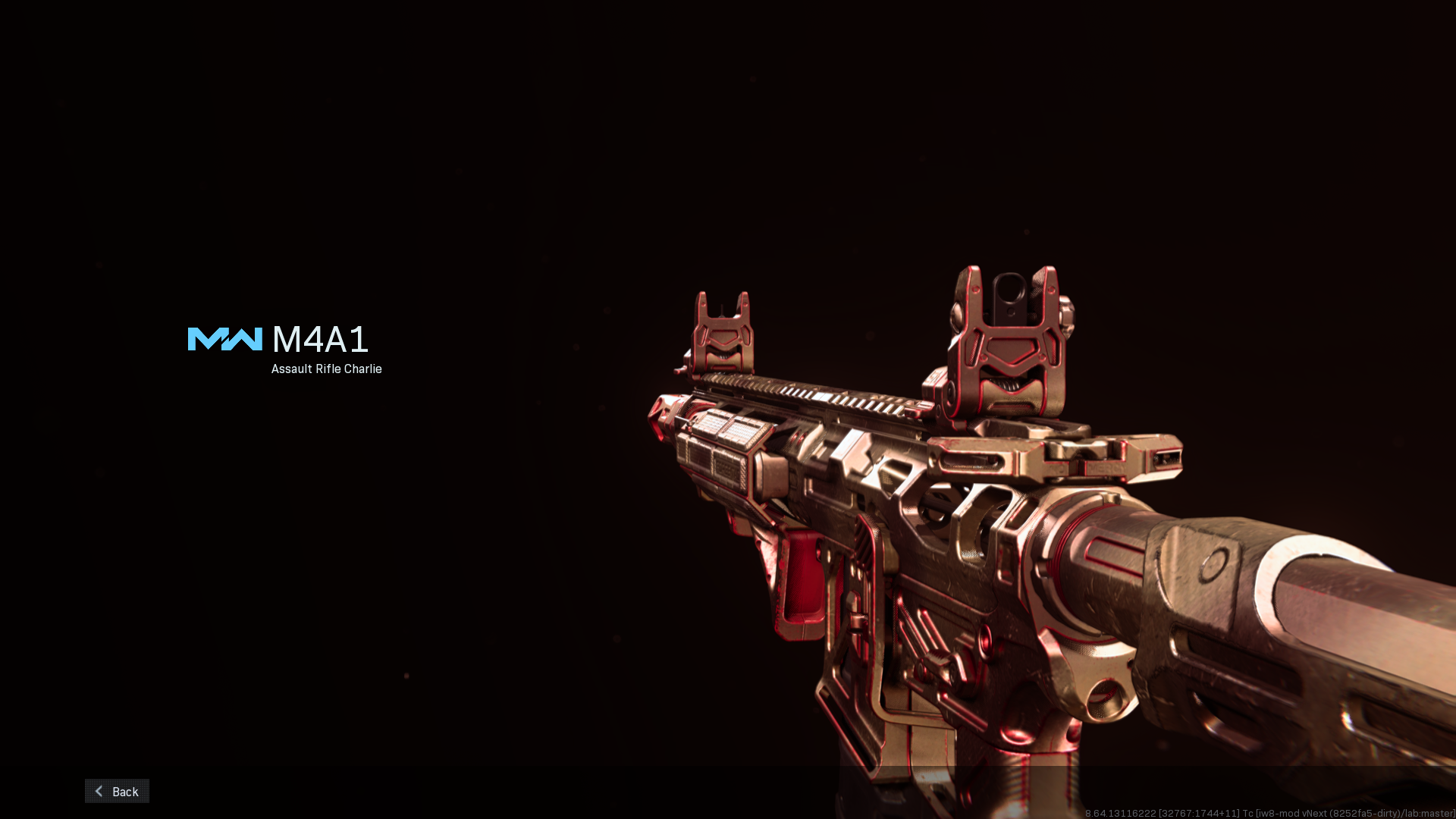
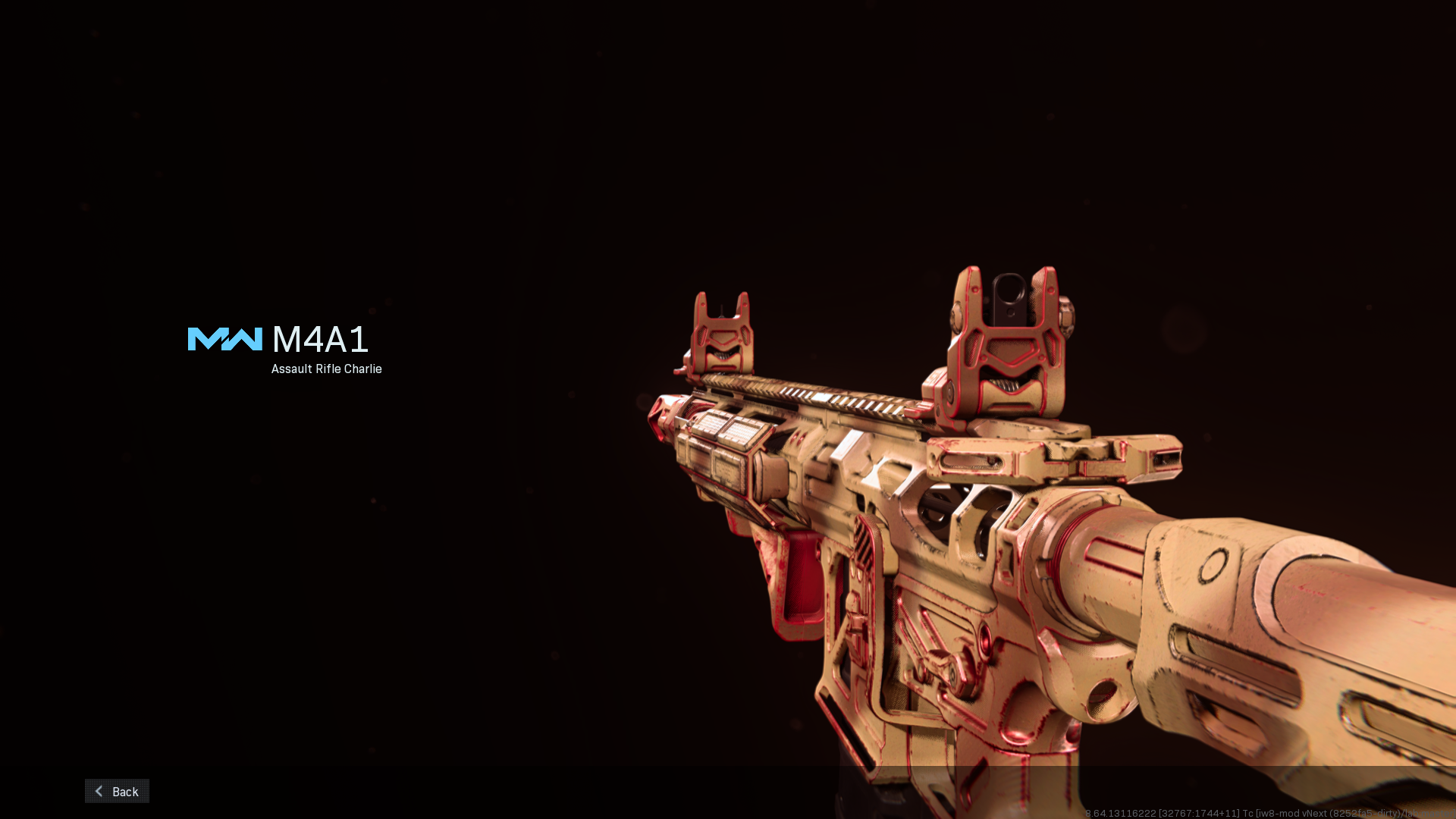
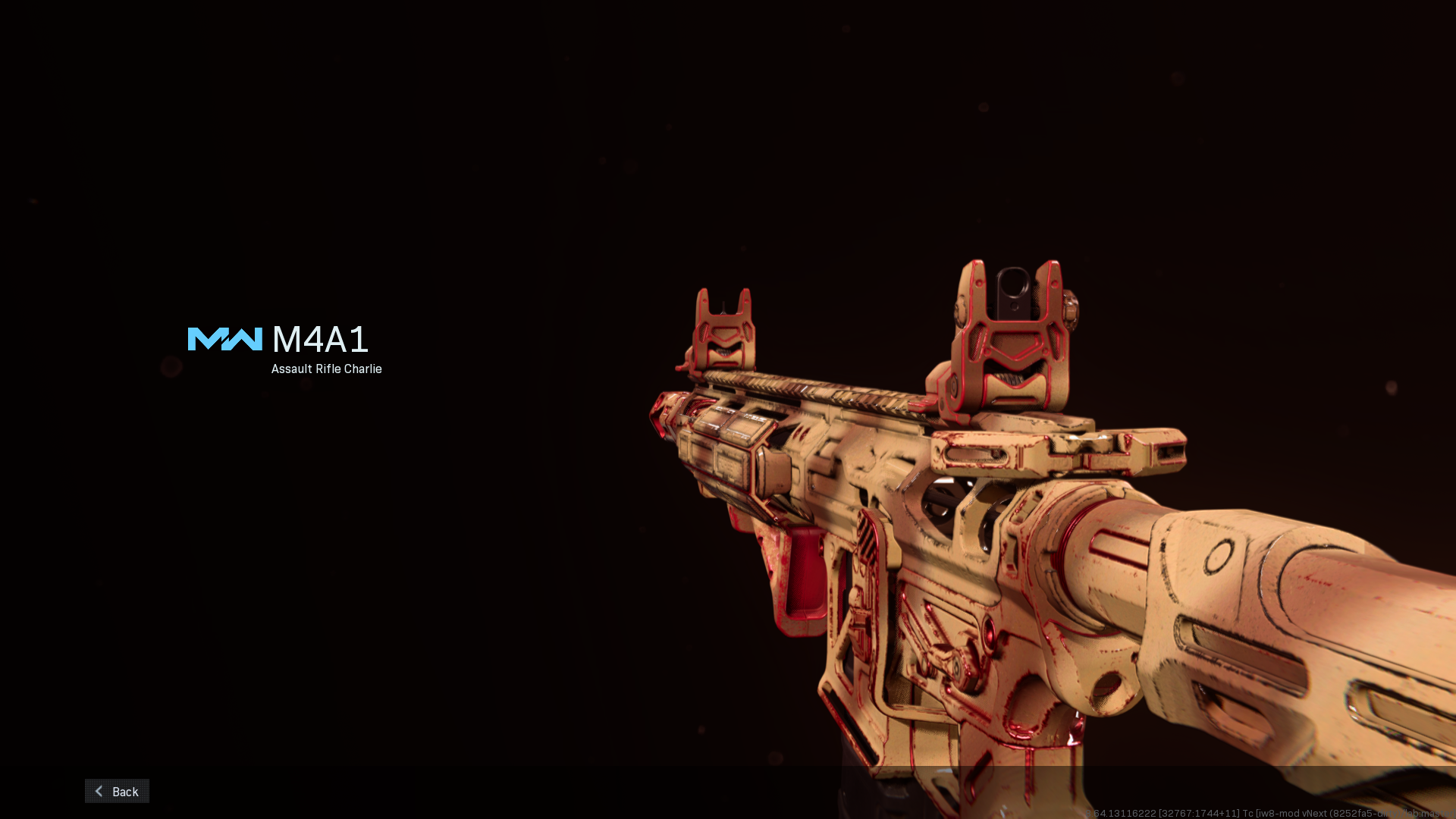
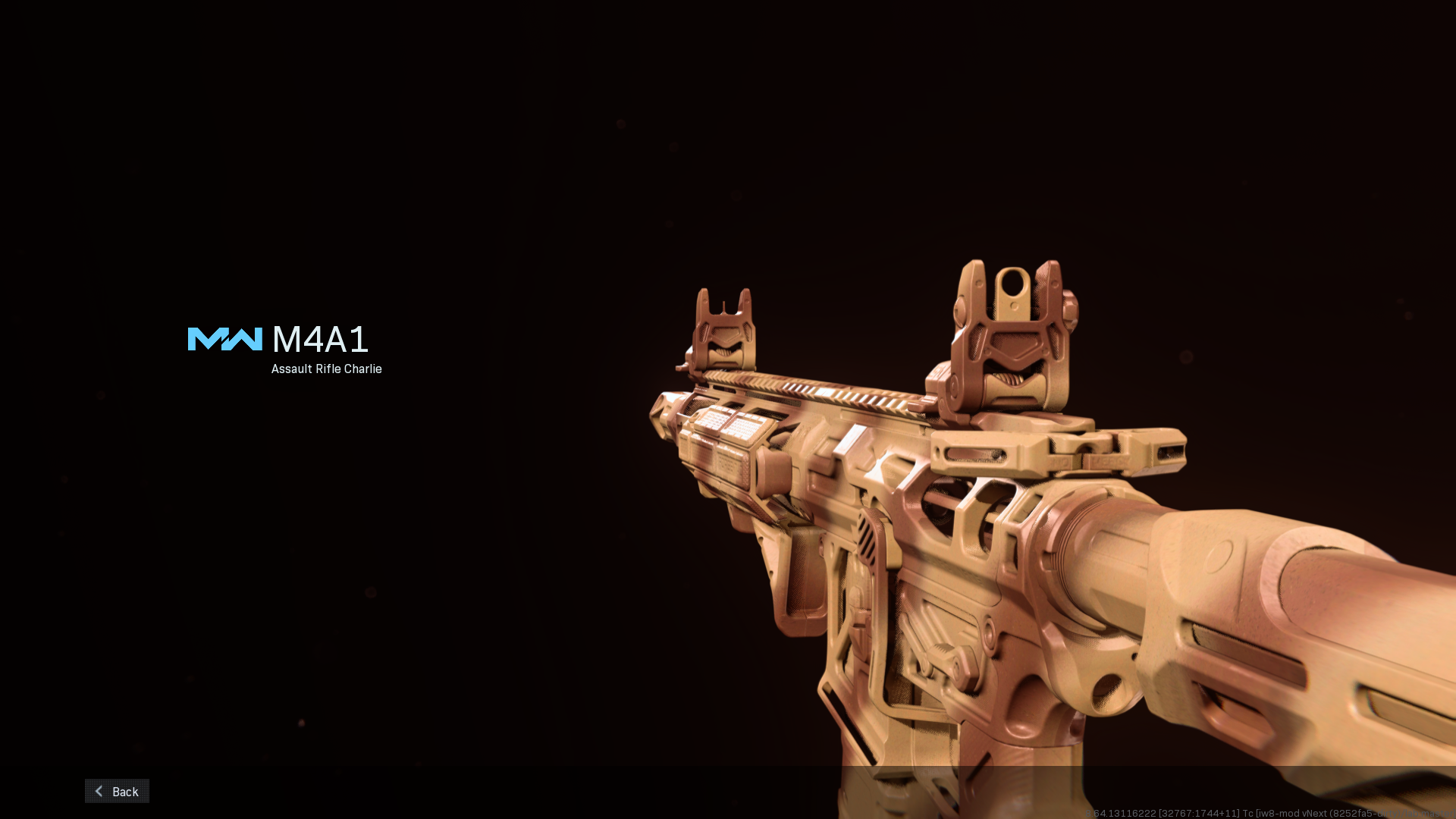
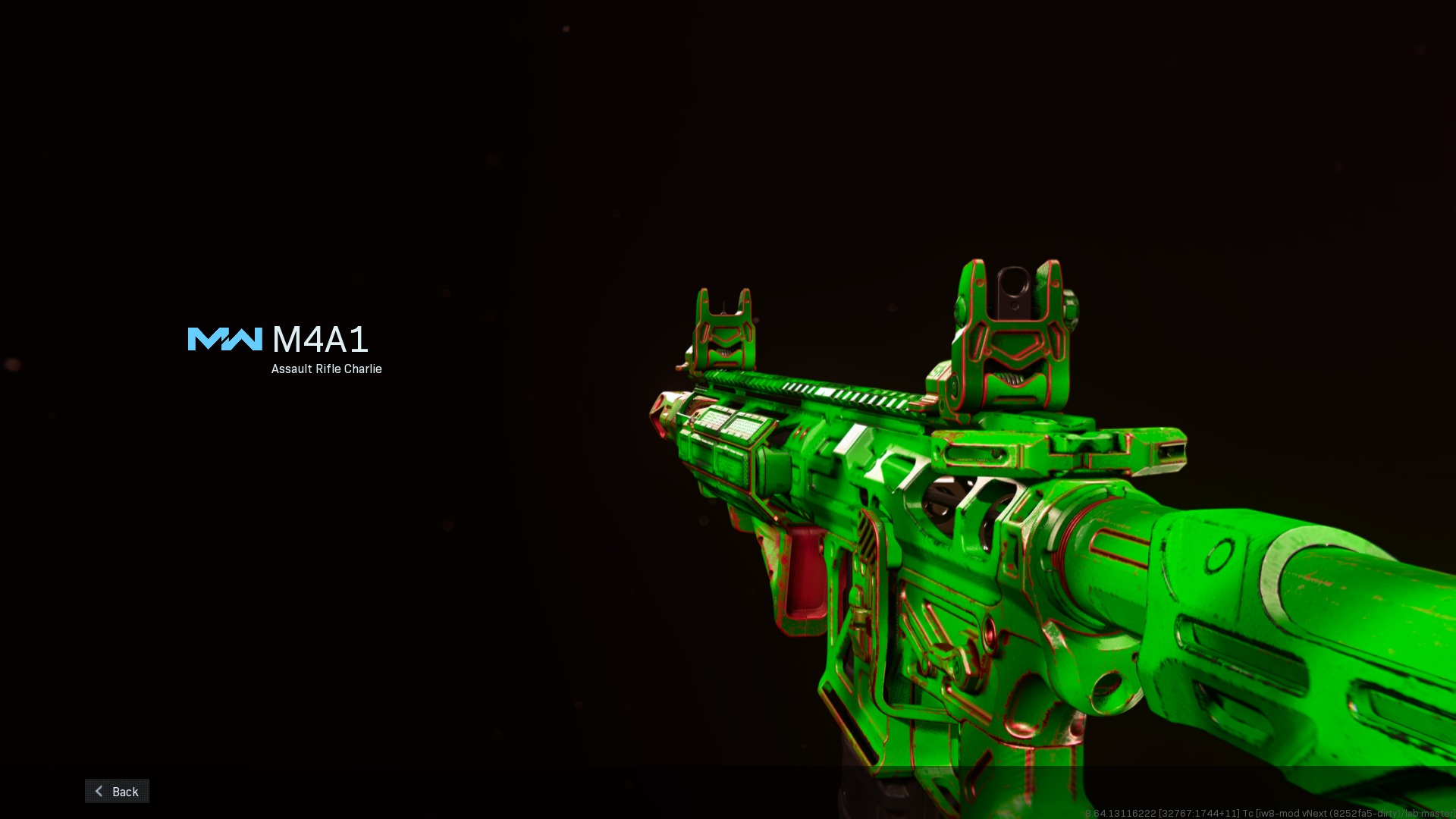
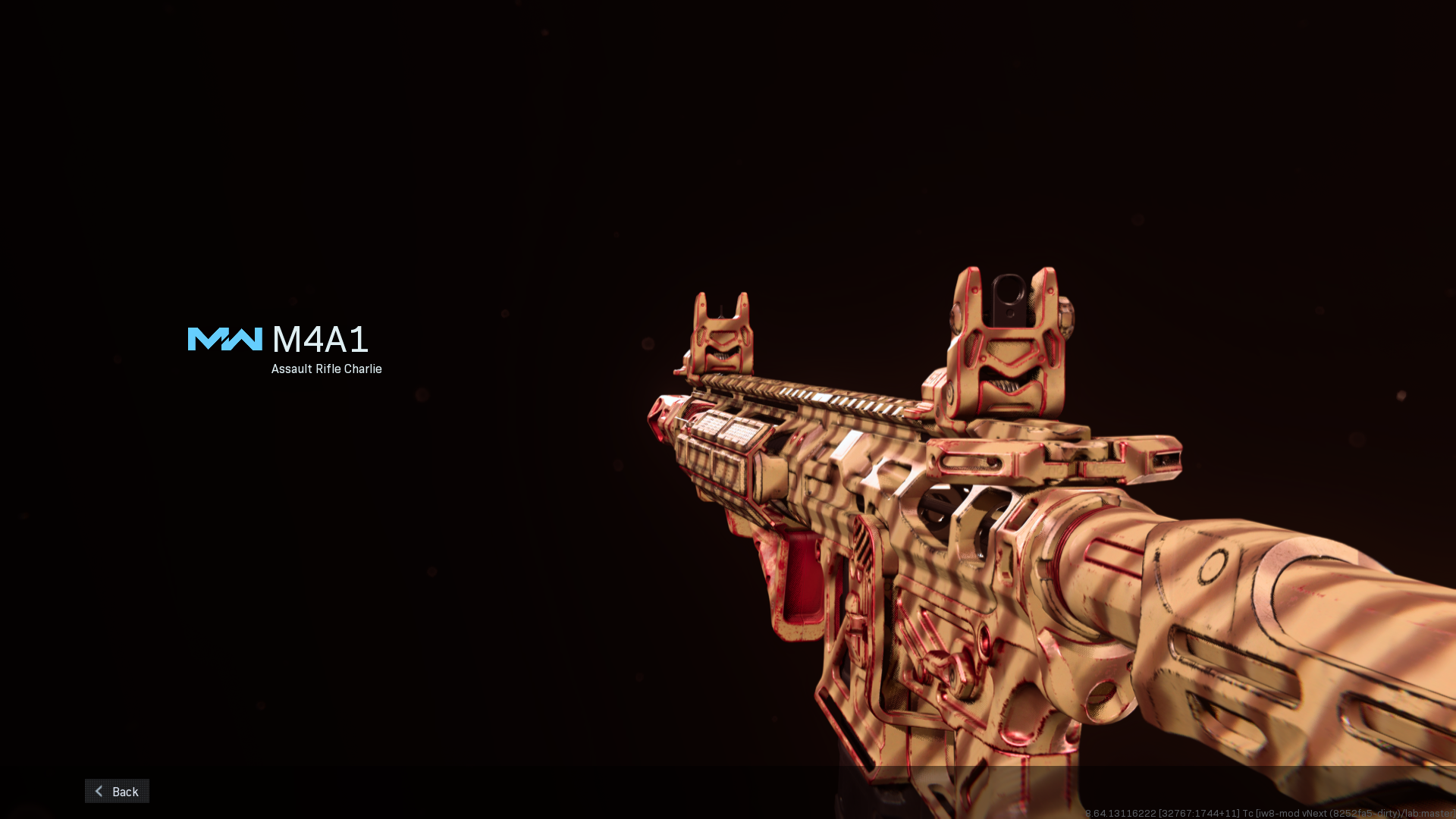
Animations:
- scroll: X-Y axis simple scroll
- pulse: changes camo scale over time [speed, min scale, max scale]
- color_cycle: rgb [speed, brightness]
Preset:
{
  "level0": {
    "scroll": [0.5, -0.2],
    "pulse": [2.0, 0.8, 1.2],
    "color_cycle": [0.5, 1.0]
  }
}